

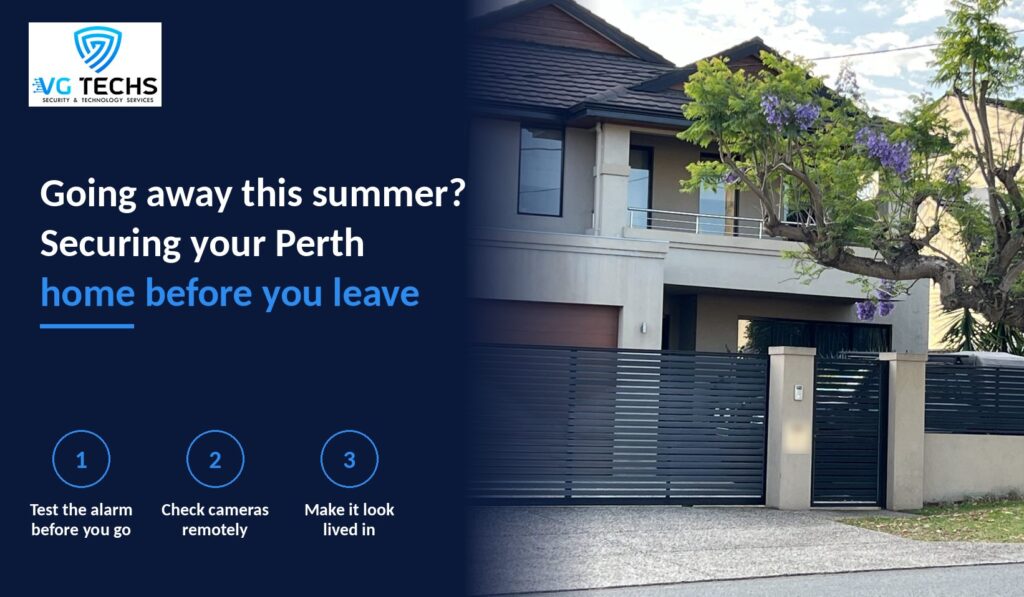
The jacarandas are out, the school year is winding down and many Perth families are already planning their summer break, whether that is a week down south, a trip over east or a long stay with family overseas. Before you lock the door and head for the airport, it is worth spending an hour making sure your home security is ready to look after the place while you are gone.
A home that sits empty for days or weeks has different needs from one that is occupied every evening. This guide walks through what to check, what to set up and what to avoid, so you can enjoy your holiday with fewer worries about what is happening back home.
Why holiday homes need a different plan
When you are home, small problems get noticed quickly. A gate left open, a camera knocked out of position or an alarm sensor with a flat battery would usually be picked up within a day. When nobody is there, those same issues can go unnoticed for the whole trip.
Empty homes can also send signals to anyone watching the street: overflowing letterboxes, bins left out for a week, a dark house night after night. Good holiday security is about two things working together, making the home look lived in and making sure that if something does happen, someone finds out quickly.
Test your alarm before you leave
An alarm that has not been tested for months is a gamble when you are thousands of kilometres away. A week or so before you go, run through a simple check:
- Arm and disarm the system from the keypad and the app, if you have one.
- Walk through each zone to confirm every motion sensor and door contact registers.
- Check for any low battery or tamper warnings on the panel.
- Confirm that alerts reach the right phones, including a trusted neighbour or family member who is staying in Perth.
Our step by step guide on how to test your home alarm system covers each of these in more detail. If anything fails, leave enough time before your departure to get it repaired rather than hoping it holds out.
Make sure your cameras work when you are not there
Many people only realise their camera app has stopped working when they try to check it from a hotel room. Before you travel:
- Log in from your phone using mobile data, not your home wifi, to confirm remote viewing works.
- Play back recent footage to check the recorder is actually saving clips.
- Clean lenses and check that summer growth has not crept into the field of view.
- Review motion alerts so you are not flooded by notifications from passing cars or swaying trees.
Think about what happens if your internet drops while you are away. A recorder that stores footage locally will usually keep recording, even if you cannot view it remotely until the connection returns. If you are weighing up an upgrade, our CCTV installation service can help you choose cameras and storage that suit a home that is often left empty.
Make the house look lived in
Technology works best alongside a few simple habits that make an empty home look occupied:
- Lights on timers. Smart globes or timers that switch lights on and off in the evening help avoid a house that stays dark every night.
- Mail and parcels. Ask a neighbour to collect mail or arrange a hold on deliveries so nothing piles up at the door.
- Bins and lawns. Arrange for bins to go out and come back in on collection day, and if you are away for a while, have the lawn mowed.
- Front door alerts. A video intercom or smart doorbell lets you see who is at the door and respond from your phone. Our comparison of video intercoms and smart doorbells explains which suits different homes.
Some Perth local governments, such as the City of Stirling, also run holiday watch services for residents. Check with your council to see whether one is offered in your area.
Keep your plans off social media
It is tempting to share beach photos and boarding passes in real time, but posting publicly that your home is empty is an easy risk to avoid. Wait until you are back to share the highlights, check your privacy settings, and avoid tagging your home location in posts.
Consider monitoring for longer trips
For longer holidays, or for homes where nobody nearby can respond to an alert, it may be worth considering a monitored alarm system. A monitoring service watches for alarm events and follows an agreed response plan, which takes pressure off you when you are in a different time zone or simply want a break from your phone.
Frequently asked questions
How far ahead should I check my security system before a holiday?
About one to two weeks before you leave is a good guide. That gives you enough time to arrange a repair or replacement if a sensor, camera or app is not working properly.
Should I give a neighbour access to my alarm app?
Many systems allow additional users with their own codes or app access. Giving a trusted neighbour access means someone close by can check on an alert, and their code can be removed when you are home.
Is it better to switch my wifi off while I am away?
If your cameras or alarm rely on your internet connection for remote alerts, switching off the modem will stop those alerts. Leave the network running and check that the devices stay connected.
Do smart plugs and timers really help?
They help create a pattern of activity so the house does not look empty every evening. They work best when combined with other measures such as cameras, alarms and a neighbour keeping an eye out.
What should I do if my camera alerts me to an intruder while I am away?
If you believe a crime is in progress, contact police on 000. For non urgent matters, contact WA Police on 131 444. Save the footage so it can be provided if needed.
Head off on holiday with peace of mind
Planning a summer getaway and want to be sure your alarm and cameras are ready before you go? Book a pre holiday check or system upgrade with VG Techs and we will make sure everything works the way it should. Call 0472 652 026 or email admin@vgtechs.com.au, Monday to Friday, 8am to 6pm. Security Licence No. 71264, WA Security Provider 7126, Master Cabler A045514.